PRODUCT DESIGN CASE STUDY / MYSCOUTER
From a website to a launch story.
Designing a focused workspace that helps makers turn a website into a considered set of launch assets.
- My role
- Product & interface design
- Designed for
- Independent makers preparing product launches
- Scope
- Responsive web experience · capture, preview, and collection
- Project
- MyScouterProduct design study
01 / THE STARTING POSITION
A problem
worth solving.
The context
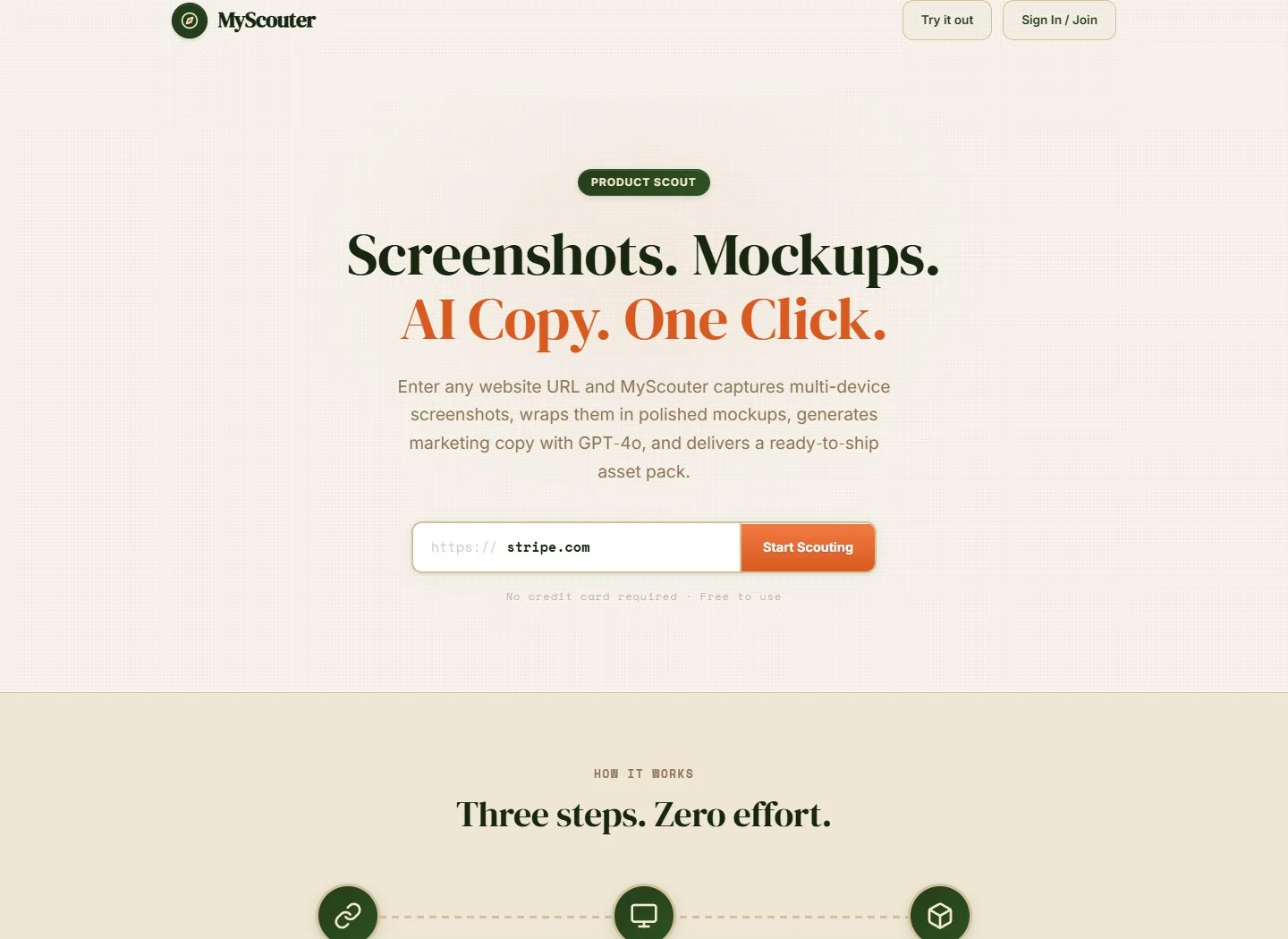
A product launch needs more than a working website. Makers also need screenshots, device presentations, and copy that explain what they have made. MyScouter brings these related tasks into one product experience.
The challenge
The workflow contains several different decisions: which page to capture, which device views to use, how to present them, and what to download. Exposing every option at the beginning would make a straightforward task feel like configuration work.
THE DESIGN GOALCreate a clear path from one familiar input to an asset pack the maker can review and use.
02 / FINDING THE DIRECTION
What guided
the design.
Start with what people have.
A website URL gives the experience a concrete starting point without asking the maker to assemble a brief first.
Make the output visible.
Device previews help communicate what the capture produces before the maker commits to a download.
Keep related work together.
Screenshots, presentation choices, and copy belong to the same launch task.
03 / THE EXPERIENCE, STEP BY STEP
A path through
the product.
A flow map of the product experience, from the first action to the next useful step.
- 01Start
Enter a website URL
One primary input establishes the source for the launch material.
- 02Review
Compare the device views
Desktop, tablet, and mobile previews make the output tangible.
- 03Prepare
Shape the presentation
Mockups, brand color, and copy provide context around the captured product.
- 04Collect
Download the asset pack
The collection step brings the chosen output together.
04 / THE THINKING BEHIND THE INTERFACE
Decisions that
shape the experience.
One input before a workspace of choices.
The maker arrives with a website, while the product offers several different kinds of output.
- The design choice
- Lead with the URL field and a clear capture action, then introduce the resulting workspace.
- Why it matters
- This anchors the first interaction in a familiar object and gives the following choices a shared source.
- The consideration
- A simple entry point still needs useful feedback when a URL cannot be captured. Error and recovery states are part of the journey.
Device previews as a comparison surface.
The same product can read very differently on desktop, tablet, and mobile.
- The design choice
- Organize the captures around recognizable device sizes and keep their presentation consistent.
- Why it matters
- A consistent frame lets the maker compare the product views instead of decoding a different layout for each asset.
- The consideration
- Small previews communicate coverage, but detailed inspection needs enough room to judge whether a capture is usable.
A clear finish to the launch task.
The experience includes both visual assets and supporting copy, which could otherwise feel like separate tools.
- The design choice
- Bring the output back to an asset-pack collection and a visible download step.
- Why it matters
- The final action corresponds to the maker’s goal: leaving with material they can use elsewhere.
- The consideration
- The interface needs to distinguish work in progress from output that is actually ready to collect.
05 / WHERE THE DESIGN LANDED
The outcome.
The next move.
The resulting experience
The resulting experience connects a URL-first entry point to device previews, presentation choices, and a final asset collection. The design gives the maker a visible sequence through a task that spans several kinds of output.
What I take forward
The key design problem was the handoff between stages. A clear initial action only helps if the later preview, preparation, and collection steps feel like parts of the same task.
What I would evaluate next
- Observe where makers pause between capture and choosing assets.
- Evaluate how clearly unsuccessful captures and recovery options are communicated.
- Check whether makers can identify the right files before downloading the pack.